Cleitext app
Help with the Cleitext app
Write posts, answer comments, read messages and follow the orders of your Cleitext sites, from your phone.

Add your site
- Tap Add site and type the address of your site, for example www.mysite.com.
- The sign-in page of your site opens: sign in with your account on the site.
- Confirm the access for the app. You are back in the app, with your site.
You can add more sites and switch between them. What you can do depends on your role on each site: for example, an author writes drafts and an administrator publishes.
“This site does not accept sign-in from apps yet”
The site needs an up-to-date Cleitext: whoever runs it must update it to the latest version.
“There is no Cleitext site at this address”
Check the address. The app works with sites made with Cleitext, over https.
Notifications
In More → Notifications turn them on and choose, site by site, what to receive: comments to approve, messages from forms, new orders. If nothing arrives, check that notifications for Cleitext are on in the phone’s settings and that the site is up to date.
Chriss
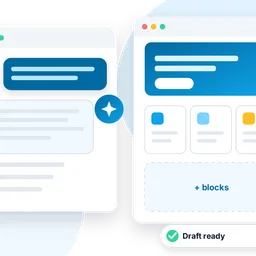
Tap the Chriss bubble to ask the assistant of your site: write a draft, find the comments waiting for an answer, see what changed. What Chriss writes stays a draft until you decide.
Chriss works if the site has an AI service connected, or Chriss base, the free AI with a few requests a day per site. Whoever runs the site turns it on in the admin, under Chriss.
Contacts
Write to [email protected], or open an issue on GitHub: every report is read.